Click Up & AI
/
feb 16, 2025
ClickUp Brain explained: How AI works inside a structured workflow
How ClickUp Brain supports real workflows and why AI results depend on system setup, not just the feature itself.
When a complex task arises, we repeatedly explain to AI who we are, what the company does, and what our current priorities are. We add files, links, and long explanations just so the tool starts from scratch every time.
But what if there was an option where AI already knows more about your company than a few prompts and continuously works with that context?
AI That Understands Your Work: Why It Matters
Context-aware AI is a system that sees the full picture: your tasks, documents, chats, deadlines, and previous decisions – and provides actionable suggestions based on that context.
Any AI works only as well as it understands how your work is organized.
Where is the most information about a company’s work collected? In project management tools, where daily team work happens and the real state of projects is visible. That’s why for ClickUp users, the name ClickUp Brain is familiar, even though not everyone actually uses it in practice.
What ClickUp Brain Does
ClickUp Brain becomes the connecting link across all parts of your workflow:
Uses data from tasks, Docs, chats, dashboards, and connected tools
Understands deadlines, owners, and change history
Offers solutions based on real situations, not abstract prompts
This understanding of work and processes determines whether ClickUp Brain will be truly useful in daily operations.
What Is ClickUp Brain?
In many companies, AI exists as a collection of separate tools: one for writing, another for code, another for meeting summaries. In this format, AI is separate from actual work and not embedded in daily team processes.
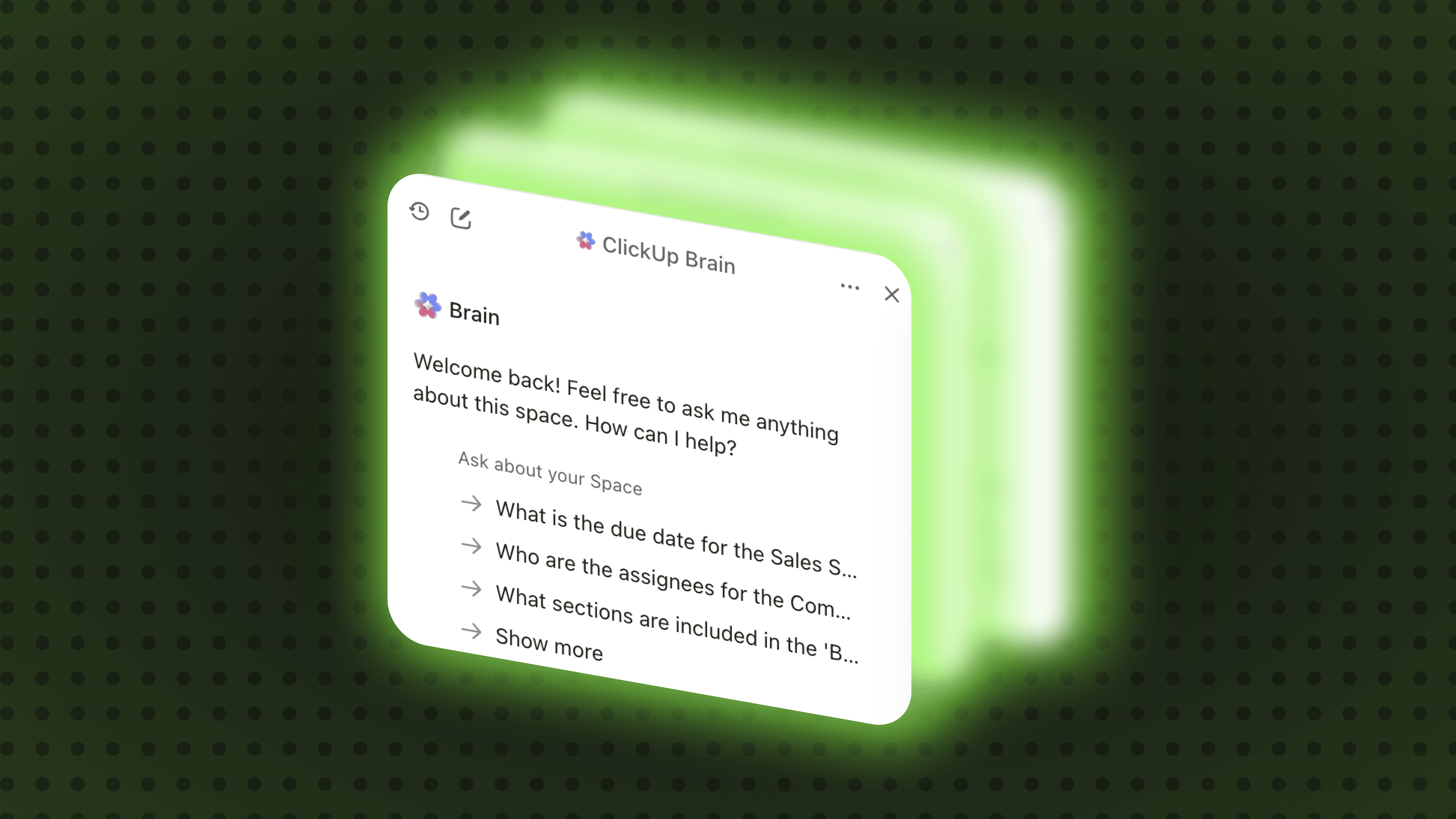
The key difference of ClickUp Brain is that it unifies AI capabilities in one workspace and works with the context of your business. This is also how an AI agent inside ClickUp differs from ChatGPT. Our operations manager and ClickUp expert shares their perspective:
“When we started using ClickUp Brain, first, we could choose the AI tool that fits a specific task. Second, you can interact directly with the chat and ask questions about the projects you manage.”
Context, Summaries, and Next Steps – How ClickUp Brain Works
One of the main benefits of ClickUp Brain is that it automatically pulls context, agreements, and the current state of work.
Preparing for a meeting? With ClickUp Brain, you don’t need to scroll through old chats or notes.
You can:
Get a summary of the previous meeting
See progress and problem areas
Review the current status and next steps
All based on up-to-date context, without meetings where half the time is spent recalling details.
How Teams Use ClickUp Brain in Daily Work
At Byte&Kite, we have long integrated ClickUp Brain into daily processes. Here are examples across teams:
Marketing
In marketing, we use ClickUp Brain for daily content operations. Marketers quickly draft content, check texts for TOV compliance, and gather campaign summaries directly in ClickUp. This allows more time for ideas and new campaigns rather than manual reporting.
Product Management
The product team uses ClickUp Brain to track feature progress and customer feedback. Tasks, comments, and ideas from multiple sources are consolidated in one place, helping to spot blockers before sprint planning and make decisions based on the real project state.
SDR & Sales Ops
ClickUp Brain helps capture call outcomes and ensures no important details are lost after client interactions. It allows fast summaries, follow-up preparation, linking tasks to deal progress, and visualizing the sales funnel without digging through CRM notes, numbers, and statuses.
Project Management
For PMs, ClickUp Brain acts as a core operational tool with the highest value. It helps monitor progress and identify where processes might stall or slow down.
Specifically, it:
Automatically updates task statuses
Highlights risks and factors affecting work speed
Consolidates team progress into visual dashboards
As a result, PMs spend less time on manual checks and more on planning and decision-making. The team sees the current state of work without constantly searching for information, and potential risks become visible in advance.
Important: This works only if tasks and statuses in ClickUp are regularly updated. ClickUp Brain forms its understanding of your processes based on these data.
If you want AI to genuinely assist your work, start with order in processes and data. When tasks, statuses, and agreements are centralized, ClickUp Brain simply enhances what your team already does well.